
Thermostat Is Not Connecting or Showing Data
Summary
Check 1: Refresh the Grata app▾
Check 2: Confirm the thermostat appears for the correct unit▾
- Confirm you are signed into the correct Grata account.
- Confirm the correct building or unit is selected if your account shows more than one.
- Thermostat access depends on your resident record and unit assignment.
- Property management may need to confirm your unit setup if Thermostats is missing entirely.
Check 3: Check whether the thermostat is offline or delayed▾
- Some thermostat data may not update instantly in the app.
- Connection can depend on building network, device power, HVAC equipment, and thermostat model.
- If the thermostat appears offline for an extended period, building maintenance may need to inspect the device.
Check 4: Confirm the thermostat has power▾
- If the in-suite thermostat screen is blank or the device appears powered off, there may be a power, battery, wiring, or HVAC equipment issue.
- Follow your building's maintenance procedures rather than opening or servicing thermostat hardware yourself.
Check 5: Why controls may be limited▾
- Some buildings limit thermostat modes, schedules, temperature ranges, or fan controls.
- Available controls may depend on property settings, HVAC season, thermostat model, and building configuration.
- The Grata app displays the controls available for that unit and building — not every resident sees the same options.
When to contact property management or maintenance▾
- Contact property management or building maintenance if the thermostat is missing, offline for an extended period, physically blank, not responding, or showing incorrect unit information.
- The property team may need to confirm device assignment, HVAC status, power, wiring, or resident permissions.
- Urgent heating or cooling issues should follow your building's urgent maintenance process.
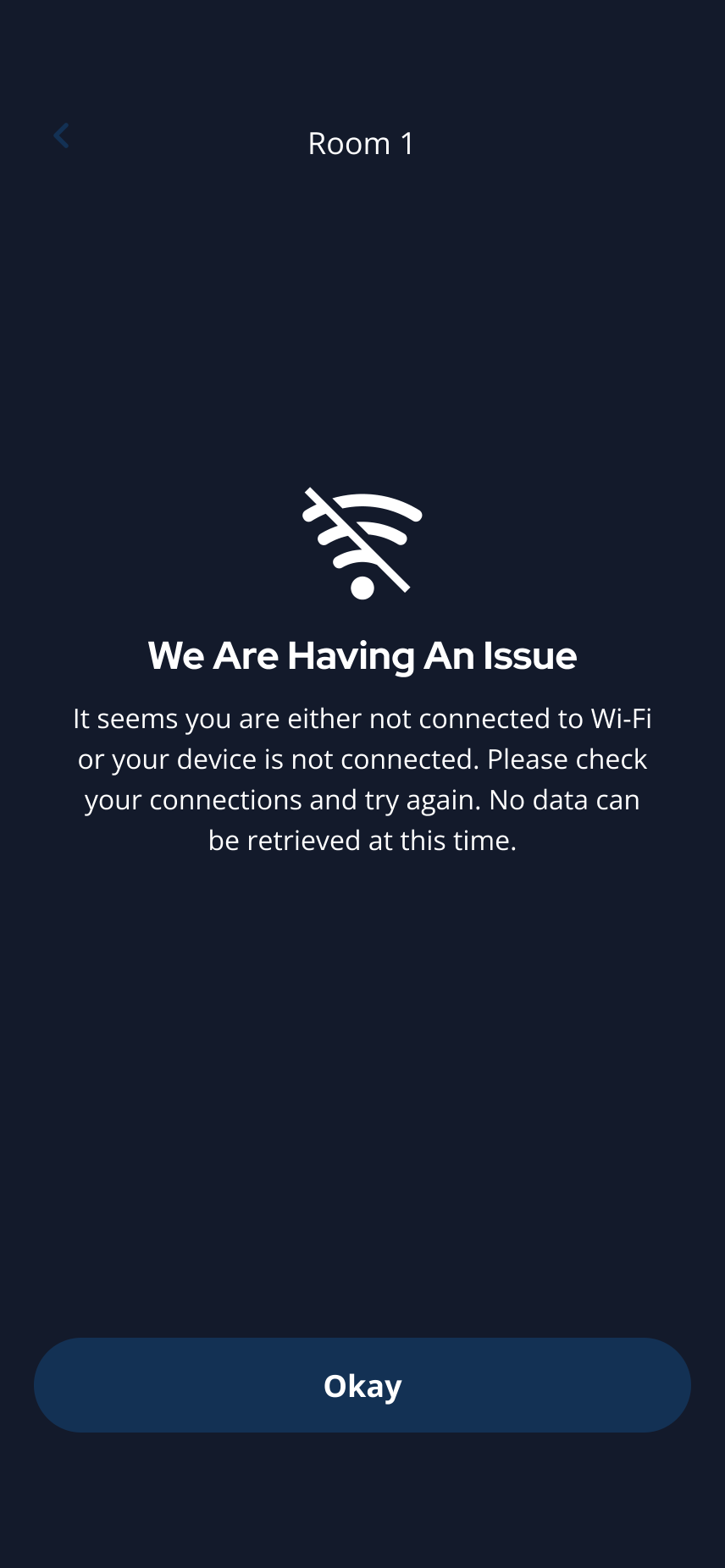
The app may show this message when thermostat data cannot be retrieved.
Related articles
Who Controls My Access?
3 min read
Property management controls your access permissions — Grata reflects the building setup; contact your buildin...
Set a Temperature Hold
1 min read
Tap Set Temporary Hold, choose a temperature, pick Next Schedule or Indefinite if shown, then tap Set Hold.
View and Use Thermostat Controls
1 min read
Open Thermostats to see room temperature, humidity, mode, fan setting, and the controls available for your uni...
Change Thermostat Mode
1 min read
Change your thermostat mode in the Grata app — choose Heat, Cool, Auto, or Off when available for your unit.
Change Fan Settings
1 min read
Change available fan settings such as Fan Auto or Fan On from the thermostat screen when your building and uni...
What Grata does and does not control
2 min read
Use this guide to complete resident tasks in the Grata app.