
Set a Temperature Hold
Summary
Step-by-Step Instructions
1Step 1: Tap Thermostats on the bottom navigation.
- Tap Thermostats on the bottom navigation.
- Locate the Set Temporary Hold button on the thermostat screen.
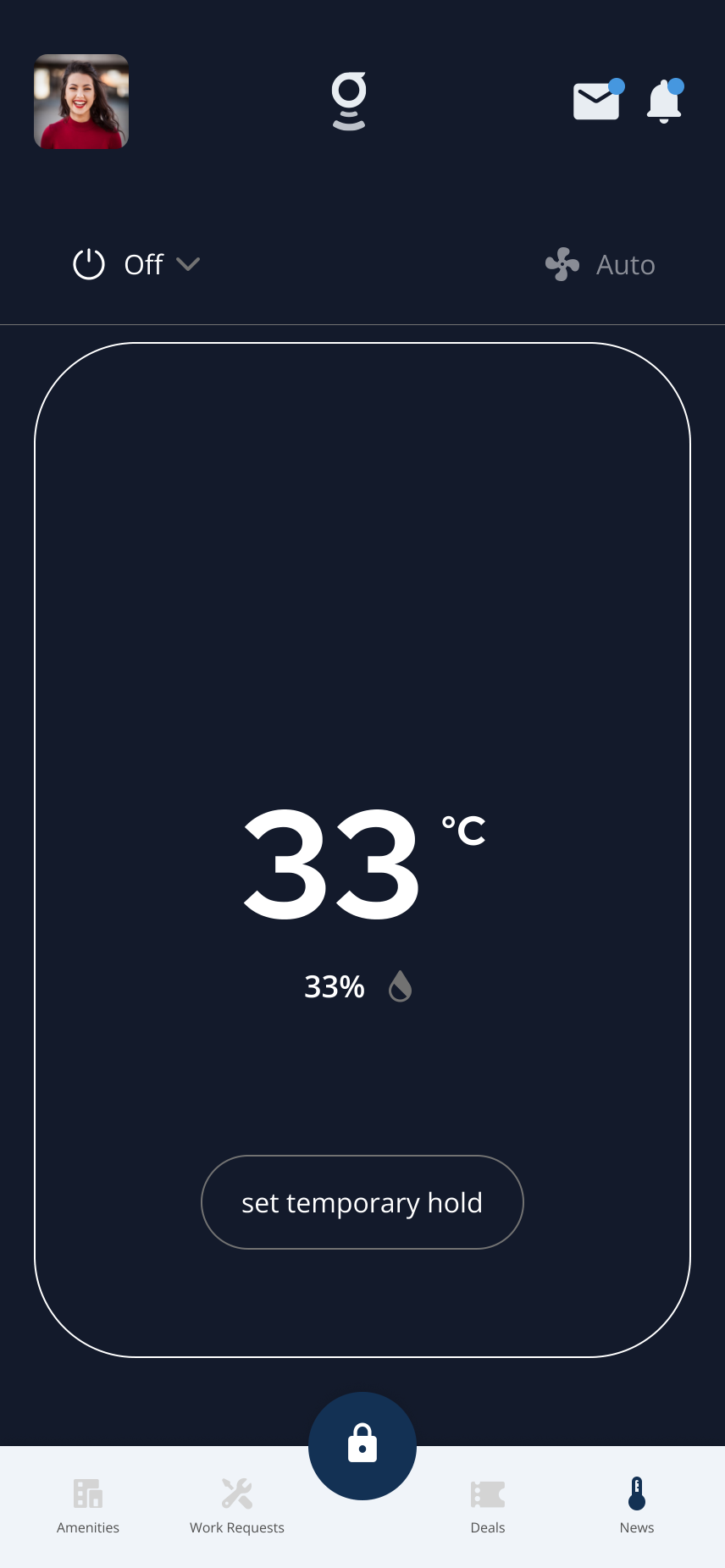
The thermostat screen with the Set Temporary Hold button visible.
2Step 2: Tap Set Temporary Hold
- On the thermostat screen, tap Set Temporary Hold.
- The temperature hold picker opens.
3Step 3: Choose the temperature
- Use the temperature picker to scroll and select the temperature you want.
- Review the selected temperature before saving.
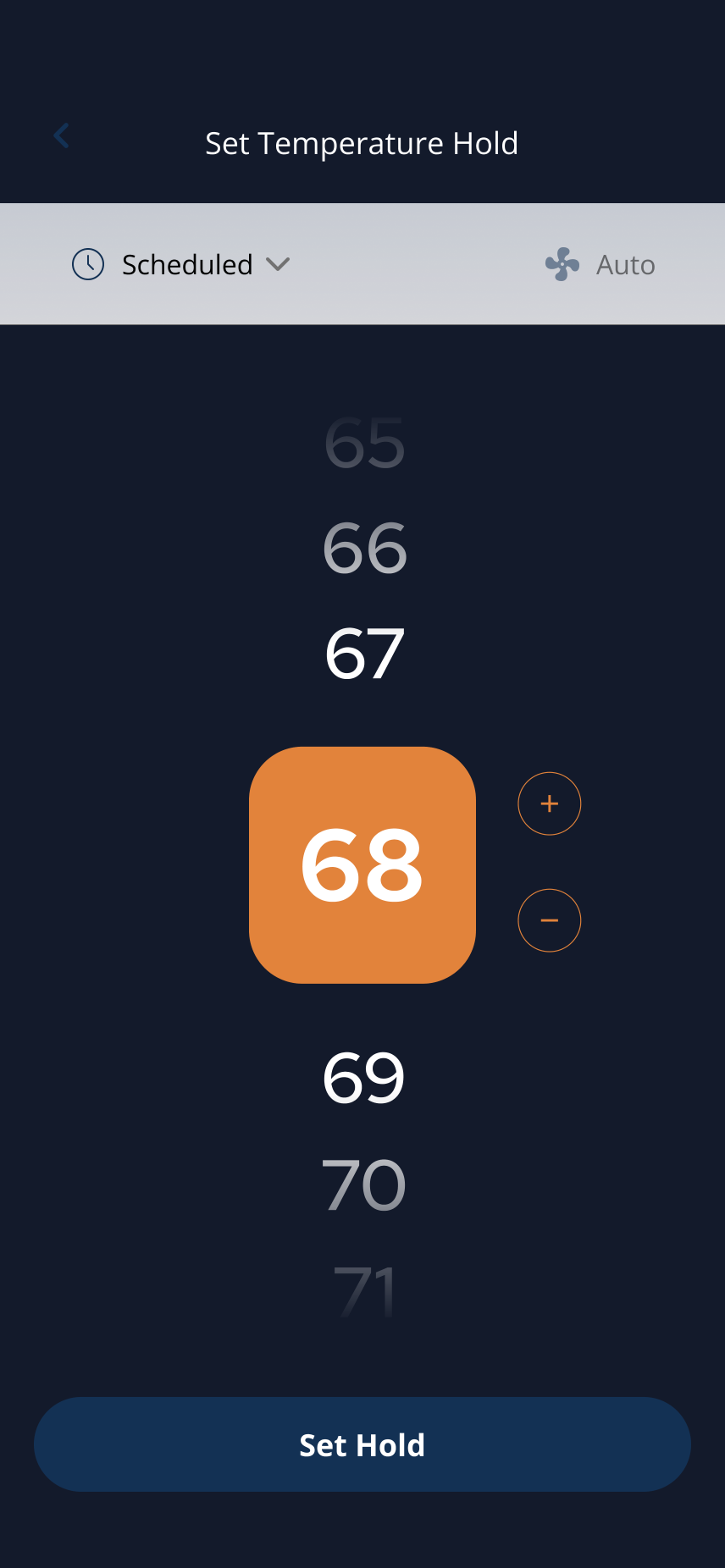
Scroll to select your desired temperature.
4Step 4: Choose hold duration
- Choose Next Schedule if you want the hold to end at the next scheduled change.
- Choose Indefinite if you want the thermostat to maintain the temperature until you manually change it.
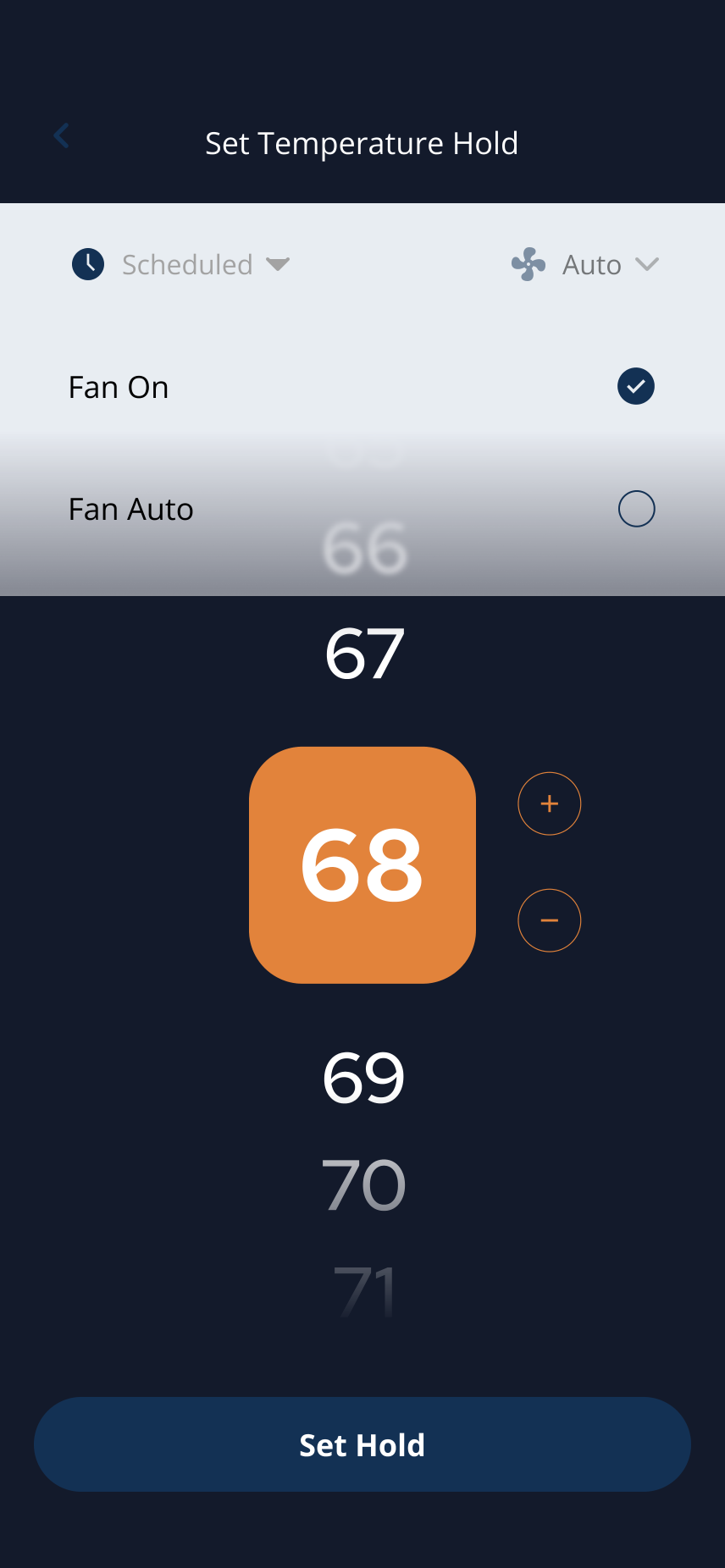
Select the scheduled hold option when you want the hold to end at the next scheduled change.
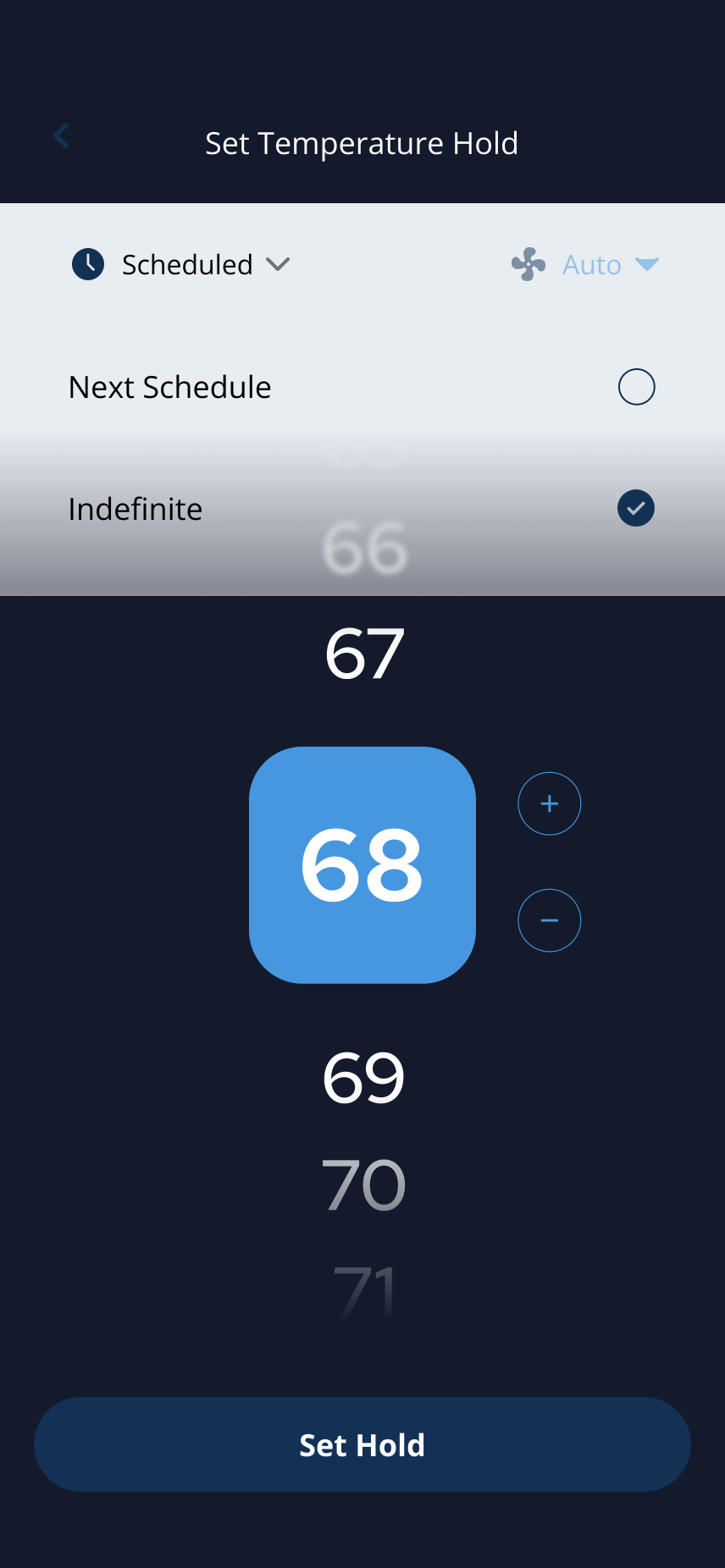
Select Indefinite to keep the hold until you manually change the temperature.
5Step 5: Tap Set Hold
- Tap Set Hold to apply the hold.
- Return to the thermostat screen and confirm the hold temperature appears.
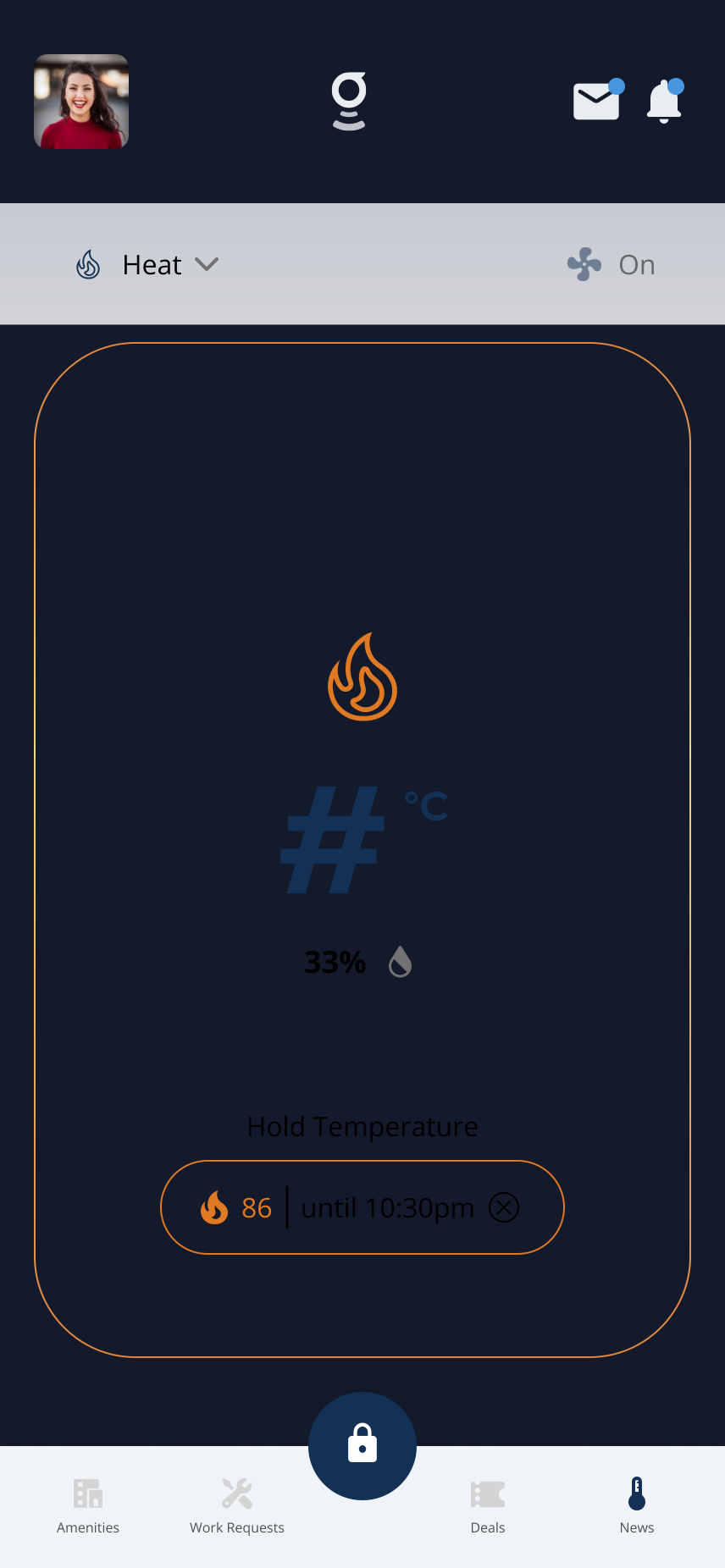
A temporary hold shows the target temperature and when it ends.
Expected result: The thermostat screen displays your selected hold temperature and duration.
Understanding Hold Types
- Temporary Hold (Next Schedule) A temporary hold maintains the selected temperature until the next scheduled change.
- After that, the thermostat returns to its normal schedule.
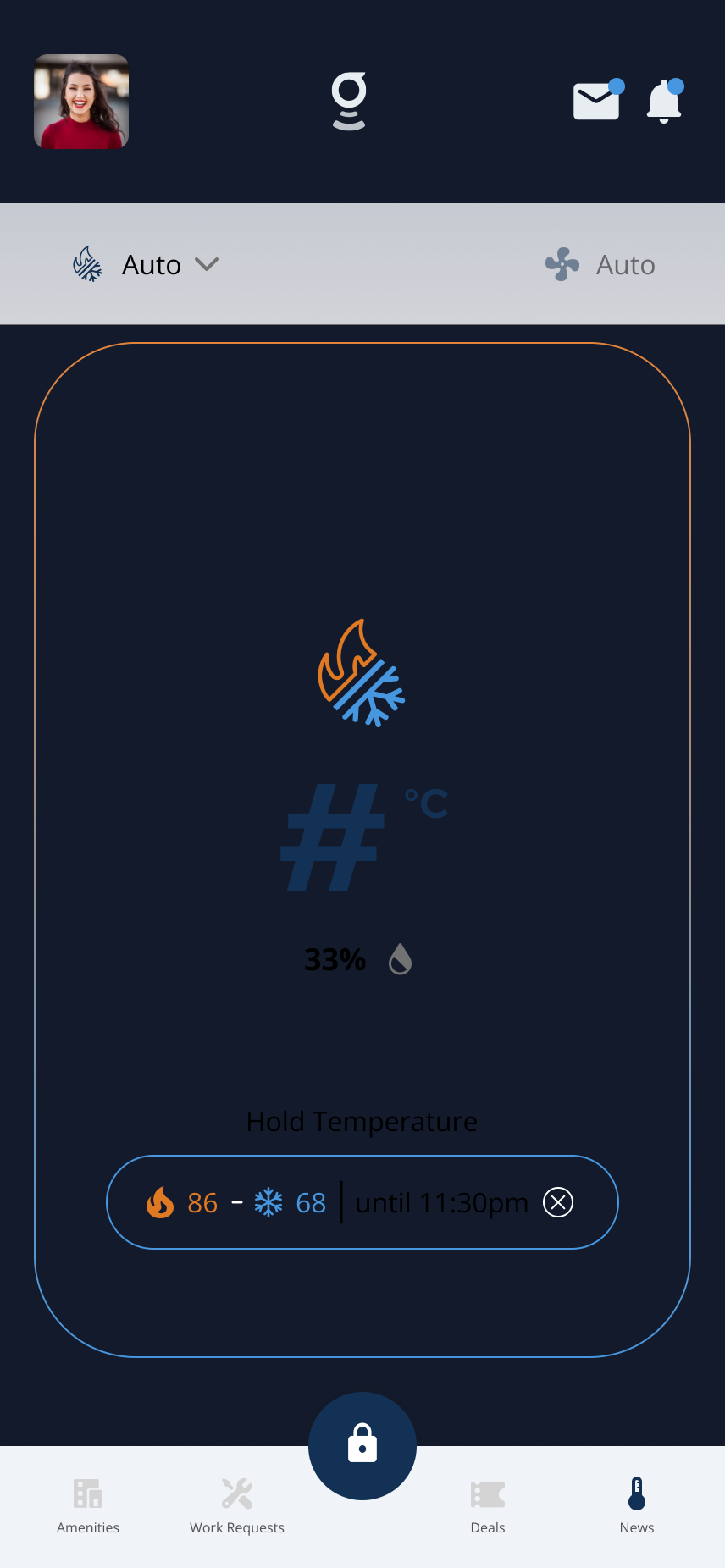
A temporary hold shows the temperature and when it will end.
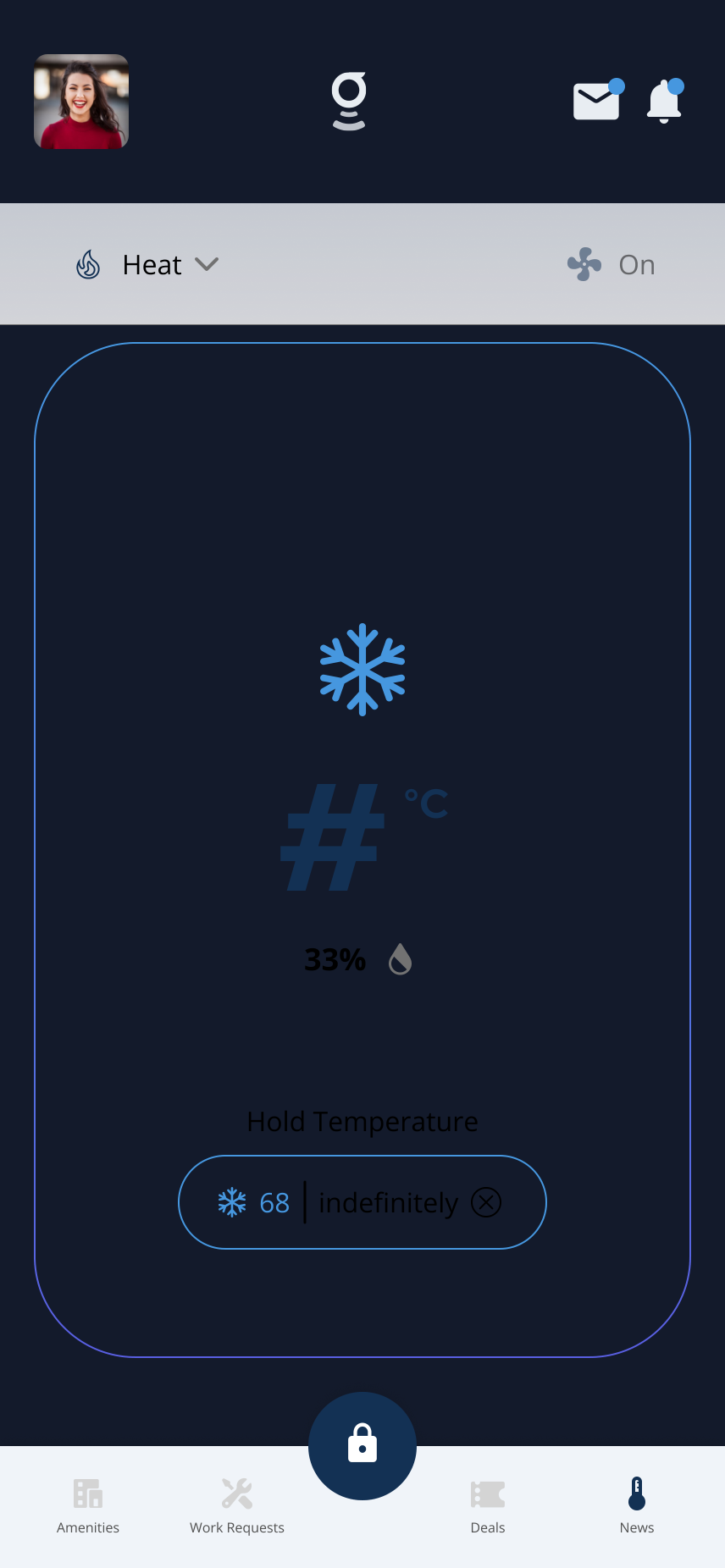
An indefinite hold maintains the temperature until you change it.
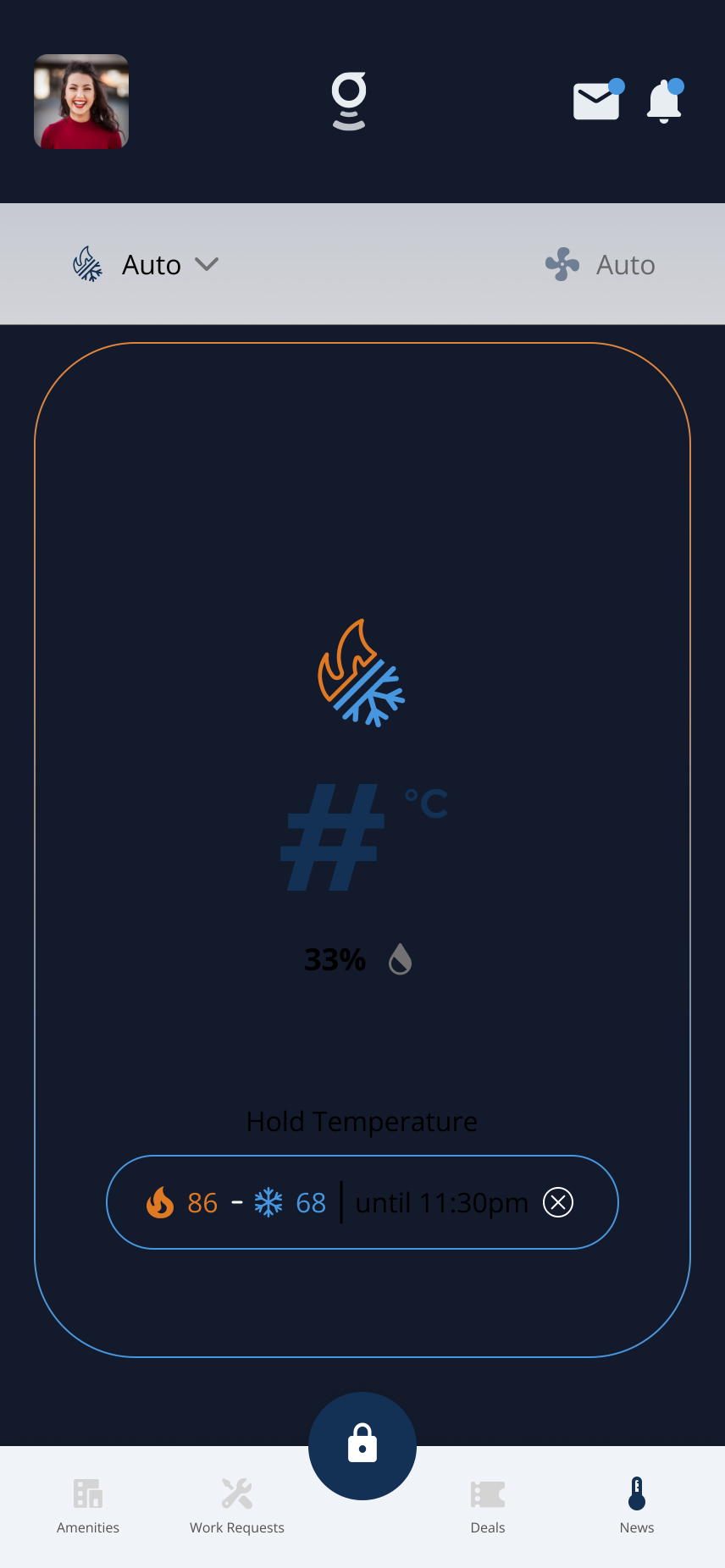
In Auto mode, a hold shows both a heat and cool target temperature and when it ends.
Related articles
Thermostats in the Grata App
2 min read
Thermostats in Grata let you check temperature and humidity, change mode, set holds, and adjust fan settings w...
Thermostat Is Not Connecting or Showing Data
3 min read
Troubleshoot when your thermostat is missing, offline, or not showing data in the Grata app — refresh the app,...
View and Use Thermostat Controls
1 min read
Open Thermostats to see room temperature, humidity, mode, fan setting, and the controls available for your uni...
Change Thermostat Mode
1 min read
Change your thermostat mode in the Grata app — choose Heat, Cool, Auto, or Off when available for your unit.