
Thermostat FAQ
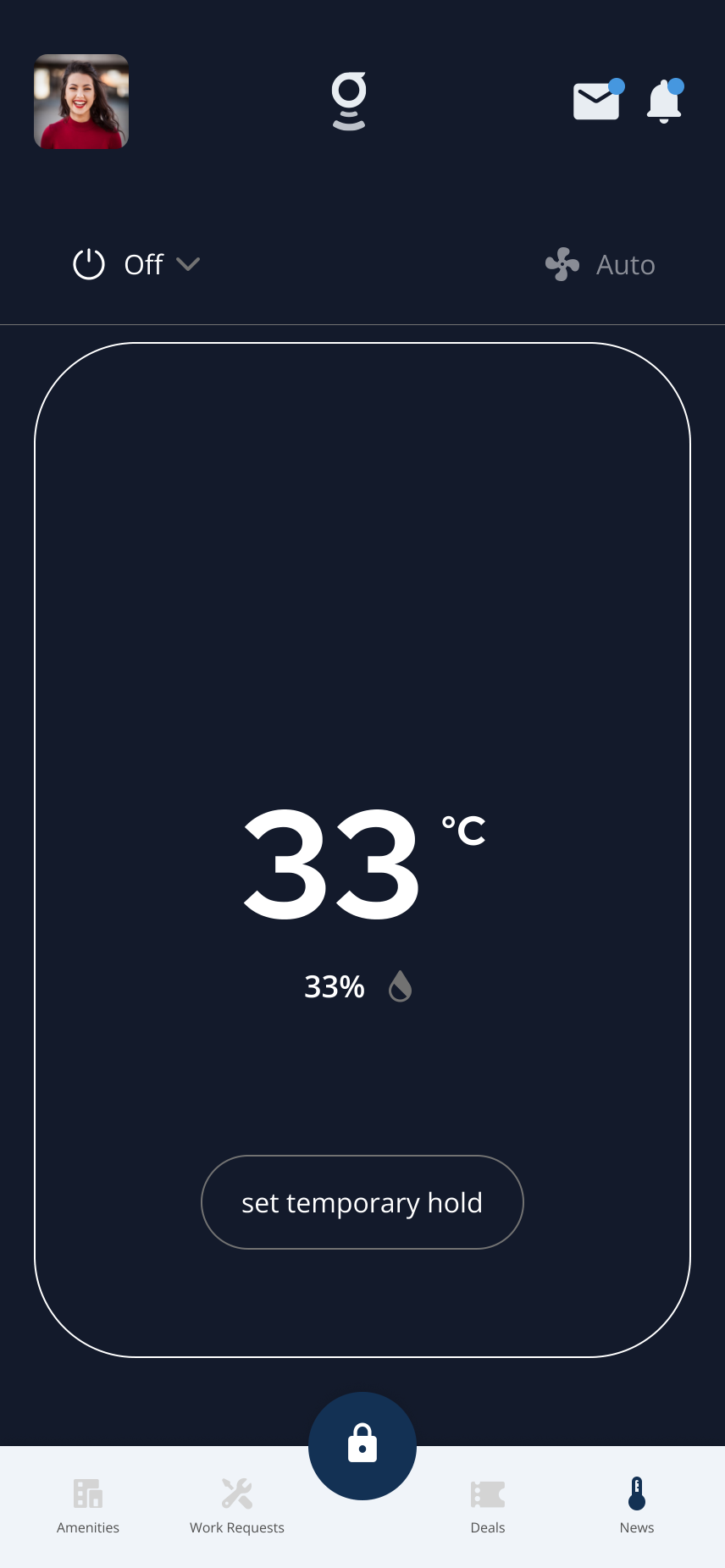
Thermostat controls can include temperature, mode, fan, humidity, and hold options depending on your building setup.
What you can do
Thermostat Not Responding
Steps to take when the thermostat is offline, shows stale temperature data, or does not respond to changes in the app.
Change Thermostat Temperature
How to adjust the target temperature from the Thermostats screen.
Change Thermostat Mode
How to switch between Heat, Cool, Auto, and Off modes.
View and Use Thermostat Controls
Full overview of all available thermostat controls — temperature, mode, hold, fan, and humidity.
Thermostats in the Grata App
Overview of the thermostat feature and what buildings need to enable for it to appear.
Details and helpful notes
Details and helpful notes
Good next articles
Start with these guides for common tasks, setup, and troubleshooting in this area.
Controls & modes
Thermostats in the Grata App
Thermostats in Grata let you check temperature and humidity, change mode, set holds, and adjust fan settings when your b...
Read article →
View and Use Thermostat Controls
Open Thermostats to see room temperature, humidity, mode, fan setting, and the controls available for your unit.
Read article →
Open Thermostat Profile in the Grata App
Use this guide to manage thermostat settings and HVAC controls.
Read article →
Change Thermostat Mode
Change your thermostat mode in the Grata app — choose Heat, Cool, Auto, or Off when available for your unit.
Read article →
Change Fan Settings
Change available fan settings such as Fan Auto or Fan On from the thermostat screen when your building and unit support...
Read article →
Set a Temperature Hold
Tap Set Temporary Hold, choose a temperature, pick Next Schedule or Indefinite if shown, then tap Set Hold.
Read article →
More troubleshooting
Honeywell T9 Troubleshooting
When your Honeywell T9 isn't responding, here's what to check before contacting maintenance — Wi-Fi, sensor batteries, a...
Read article →
What to Do If You Receive a Leak Alert
If you get a leak alert, here's exactly what to do first — find the water, shut it off if you can, and tell your buildin...
Read article →