
Grata Plus Overview
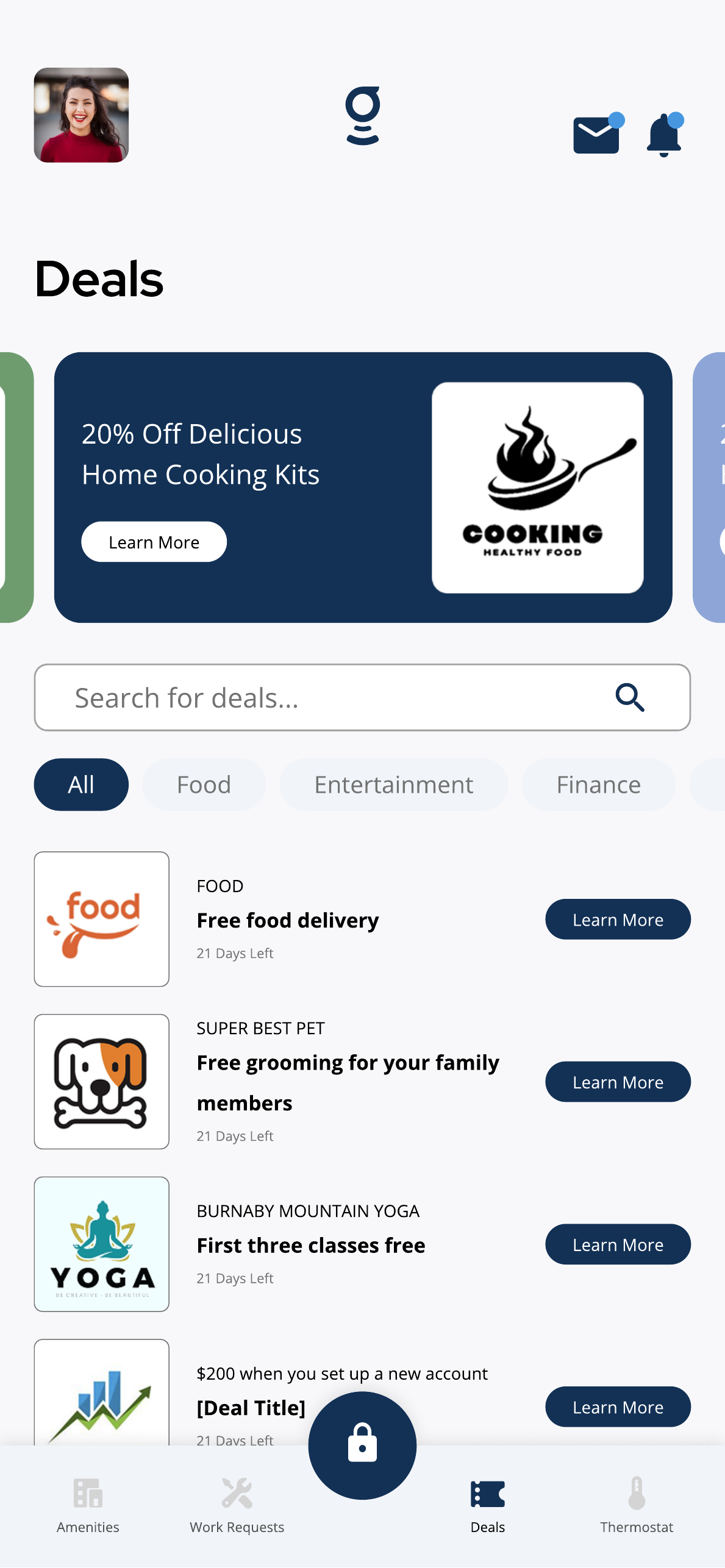
Grata Plus may show featured offers, search, categories, and available deals depending on your building.
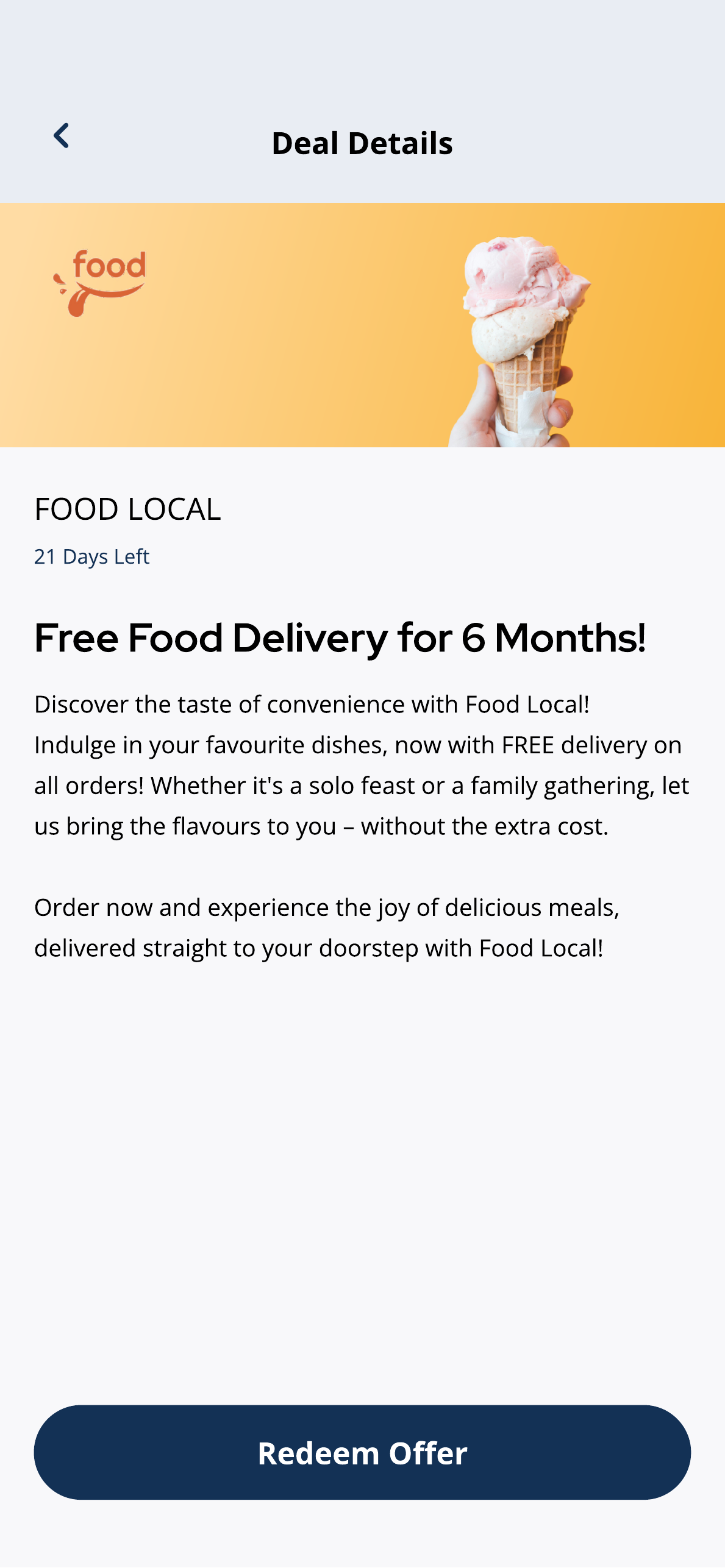
Review the deal details, time remaining, description, and redemption button before using an offer.
What you can do
Browse Grata Plus Deals
Open Deals or Partners on the home screen to see current offers and browse by category when Grata Plus is enabled.
Search or Filter Grata Plus Deals
Use search or category filters within the Deals section to find specific offers.
Redeem a Grata Plus Offer
Open a deal, review the details and expiration date, and follow the redemption steps shown.
Access RentCafe from Grata App
Open the connected RentCafe portal for rent payments and lease management when your building has integrated it.
View EV Chargers in Grata App
See available EV charging spots or station information when your building has enabled this integration.
Ad Personalization and Deals Preferences
Adjust how Grata personalizes deal suggestions from the deals preferences settings.
Details and helpful notes
Details and helpful notes
Good next articles
Start with these guides for common tasks, setup, and troubleshooting in this area.
Deals
Browse Grata Plus Deals
Browse Grata Plus deals in the Grata app when enabled — review offers, expiry dates, and terms before redeeming.
Read article →
Search or Filter Grata Plus Deals
Use Search for deals and category chips such as Food or Entertainment to narrow Grata Plus offers.
Read article →
Open Grata Plus Deal Details
Tap Learn More on a deal to review the description, expiry information, and available action button.
Read article →
Redeem a Grata Plus Offer
From deal details, tap Redeem Offer or the shown call-to-action and follow the next steps.
Read article →
Manage Ad Personalization in the Grata App
Manage whether to allow data sharing for personalized deals content from Profile > Ad Personalization when available.
Read article →
News Feed
Open Grata Plus Details from a News Feed Item
Some News Feed items link to Grata Plus—open the mail icon, select the item, and tap Details on Grata Plus.
Read article →
Open News Feed from the Mail Icon in Grata App
Tap the mail icon, if shown, to jump straight to the News Feed for your building’s announcements.
Read article →
Connected services
Access RentCafe from the Grata App
Open Profile > Rent, launch RentCafe, and sign in when prompted for rent payments and account tasks your building enable...
Read article →
View EV Chargers in the Grata App
Open Profile > EV Charger to view example charger rates, minimum times, and IDs when your building enables EV charging.
Read article →