
Manage Ad Personalization in the Grata App
Section: Resident Services & IntegrationsCategory: Ad PersonalizationHow-to1 min read
Summary
Manage ad personalization preferences if your building has Deals or personalized content enabled in the Grata app. Use this article when Ad Personalization appears in your Profile, when you want to allow or limit data sharing for personalized deals content, or when you want to change a choice you made during setup. During first-time setup you may see an overview before you reach Profile settings.
Step-by-Step Instructions
1Step 1: From the Grata Smart Living home screen, tap the top-left icon.
- From the Grata Smart Living home screen, tap the top-left icon.
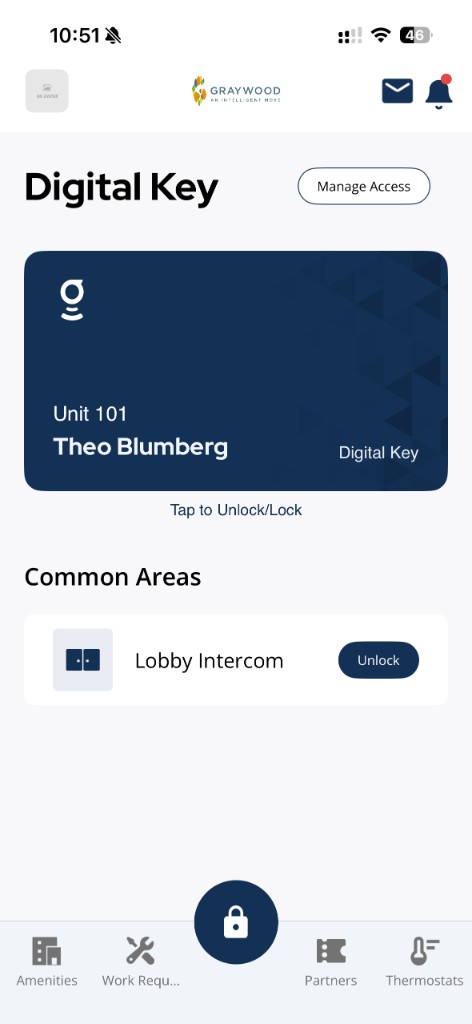
From the Grata Smart Living home screen, tap the top-left icon to open Profile.
2Step 2: Open Ad Personalization
- Tap Ad Personalization if shown.
3Step 3: Review the setting
- Read the on-screen explanation about personalized content.
- Turn Allow data sharing for personalized content on or off if available.
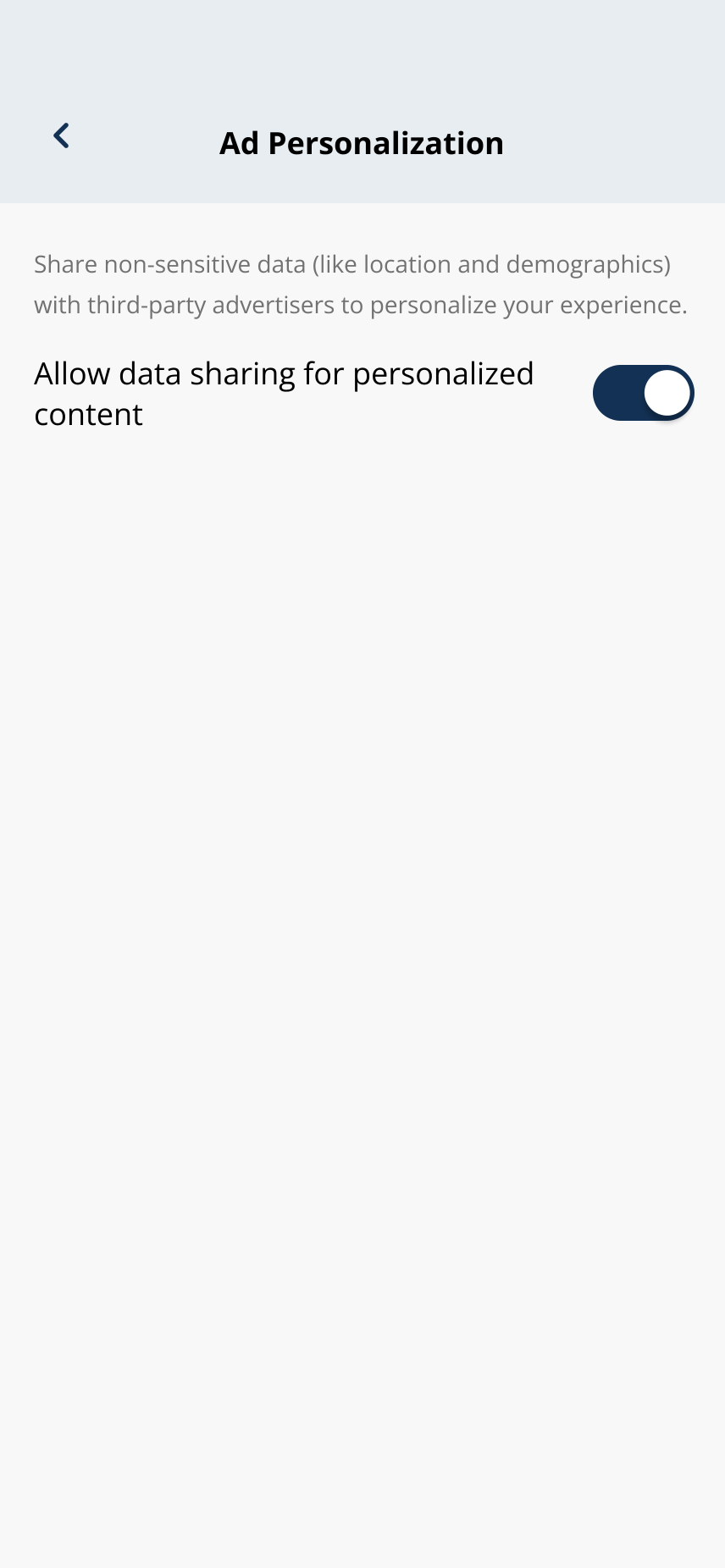
The in-app toggle and explanation describe what you are choosing.
4Step 4: Continue using the app
- Your choice should apply to future personalized content when the feature is enabled.
- This setting may only appear if your building uses Deals or personalized content.
- Do not make privacy or legal claims beyond what the app text says.
Important Notes
- Do not make privacy or legal claims beyond what the app text says.
Related articles
Grata Plus Overview
2 min read
Resident deals, RentCafe, EV chargers, and connected services when your property enables Grata Plus.
Browse Grata Plus Deals
1 min read
Browse Grata Plus deals in the Grata app when enabled — review offers, expiry dates, and terms before redeemin...
Profile Overview
1 min read
Update account details, passwords, notification settings, and support options from Profile.