
Work Requests Overview
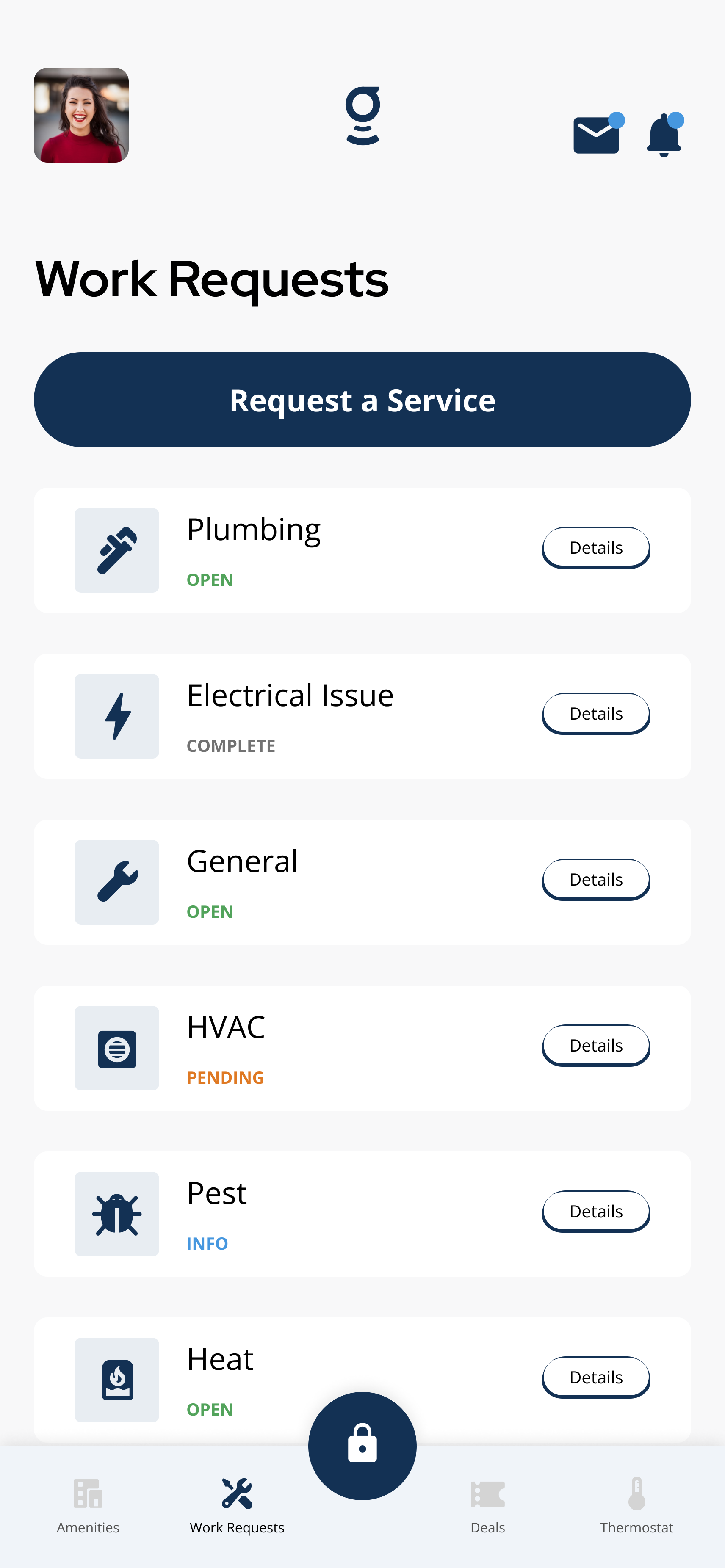
The Work Requests screen shows submitted tickets and the Request a Service button when this feature is enabled.
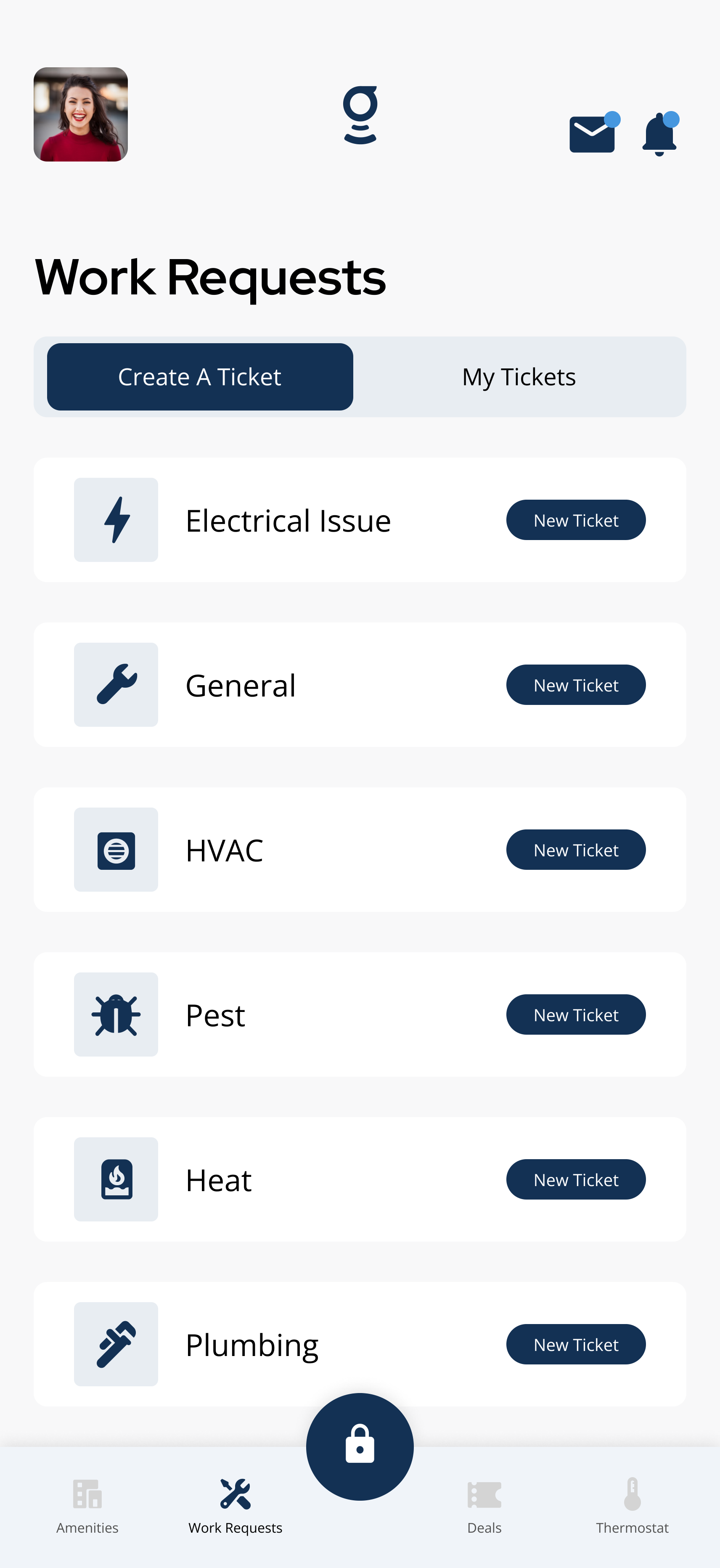
The Create A Ticket tab lets residents choose a request category before filling out the form.
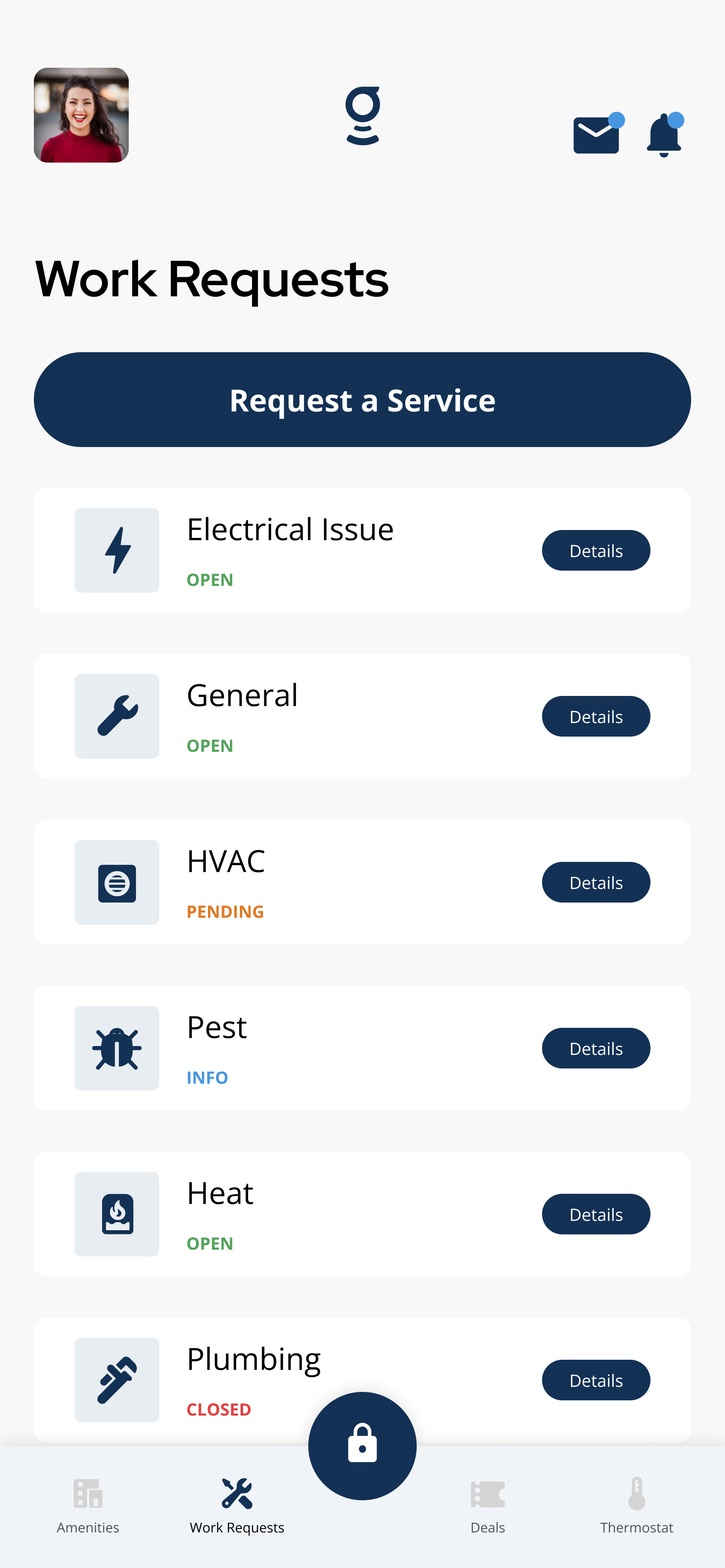
My Tickets shows submitted requests and status labels so residents can track progress.
What you can do
Create a Work Request
Tap Work Requests or Requests on the home screen, then Request a Service. Choose a category, describe the issue, and submit. Include the location, what is happening, and when it started.
Work Request Statuses
Understand what Open, In Progress, Completed, and other status labels mean so you can track your ticket.
Update or Comment on a Service Request
Add a follow-up comment, attach a new photo, or update details on an existing ticket.
Cannot Submit Service Request
Troubleshooting guide for when the submission form fails, the submit button does nothing, or the request never appears in My Tickets.
Close or Cancel a Service Request
Close a resolved ticket or cancel a request you no longer need.
Details and helpful notes
Details and helpful notes
Good next articles
Start with these guides for common tasks, setup, and troubleshooting in this area.
Work Requests
Create a Work Request
Create a work request in the Grata app—choose a category, describe the issue, add photos or access notes if needed, and...
Read article →
Work Request Details and Chat
View work request details, status updates, and chat messages in the Grata app when your building enables them.
Read article →
Work Request Statuses
Understand common work request status labels in the Grata app and what each status means for your ticket.
Read article →
Troubleshooting
I Cannot Submit a Service Request
Request won't submit? Open Work Requests, tap Request A Service, fill required fields, check connectivity, restart the a...
Read article →
Work Request FAQ
Submit and track Work Requests, read statuses, and fix tickets that will not submit.
Read article →
Close or Cancel a Service Request
Mark a maintenance request as resolved or cancel one you no longer need — both happen from inside the request in Work Re...
Read article →