
Open Deliveries from Profile
Section: DeliveriesCategory: PackagesHow-to1 min read
Summary
Open Deliveries from the Profile menu to review packages connected to your unit.
Step-by-Step Instructions
1Step 1: Start from the Grata Smart Living home screen
- From the Grata Smart Living home screen, tap the top-left icon.
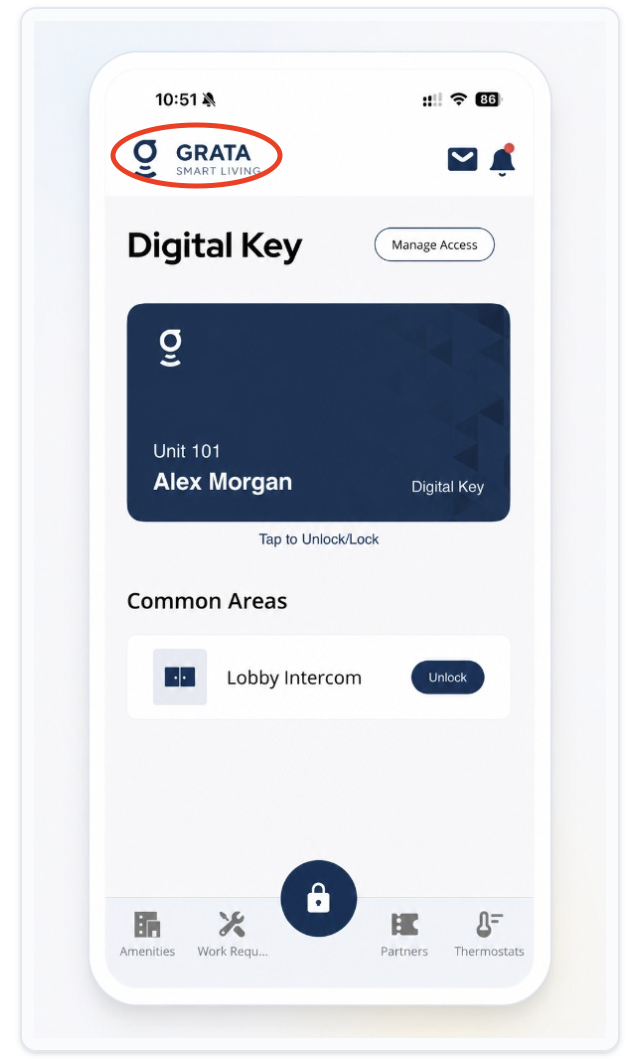
From the Grata Smart Living home screen, tap the top-left icon.
2Step 2: Open Deliveries from the Profile menu
- On the Profile screen, tap Deliveries.
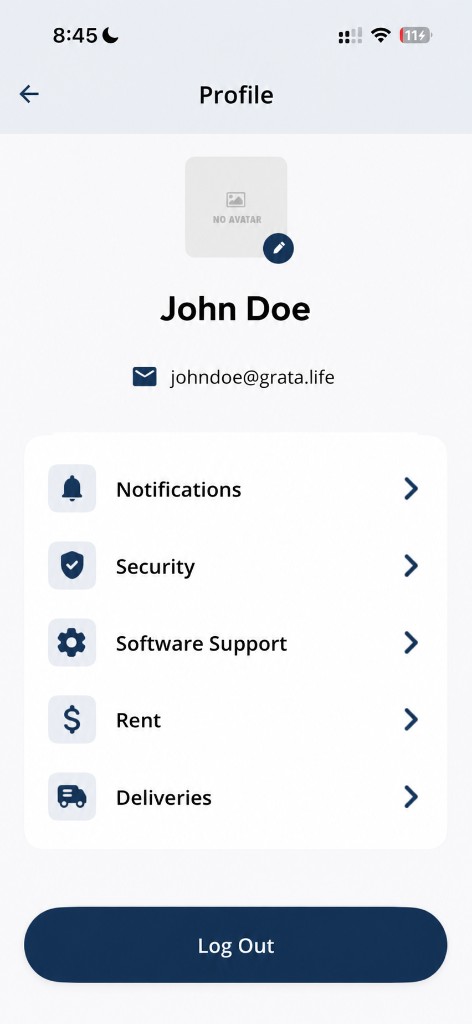
Tap Deliveries from the Profile screen.
3Step 3: Review your packages
- The Deliveries screen opens to your package list.
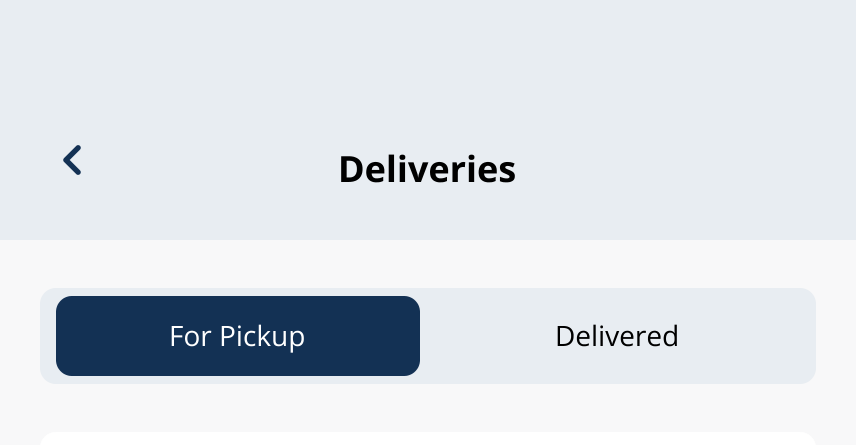
Review packages from the Deliveries screen.