
Find Building Notices and Announcements
Summary
Step-by-Step Instructions
1Step 1: Tap the notification bell icon from the app home screen.
- Tap the notification bell icon from the app home screen.
- Open the Notifications section to review recent building updates.
2Step 2: Review the notifications list
- Scroll through recent alerts and building notices.
- Each item may show a title and timestamp.
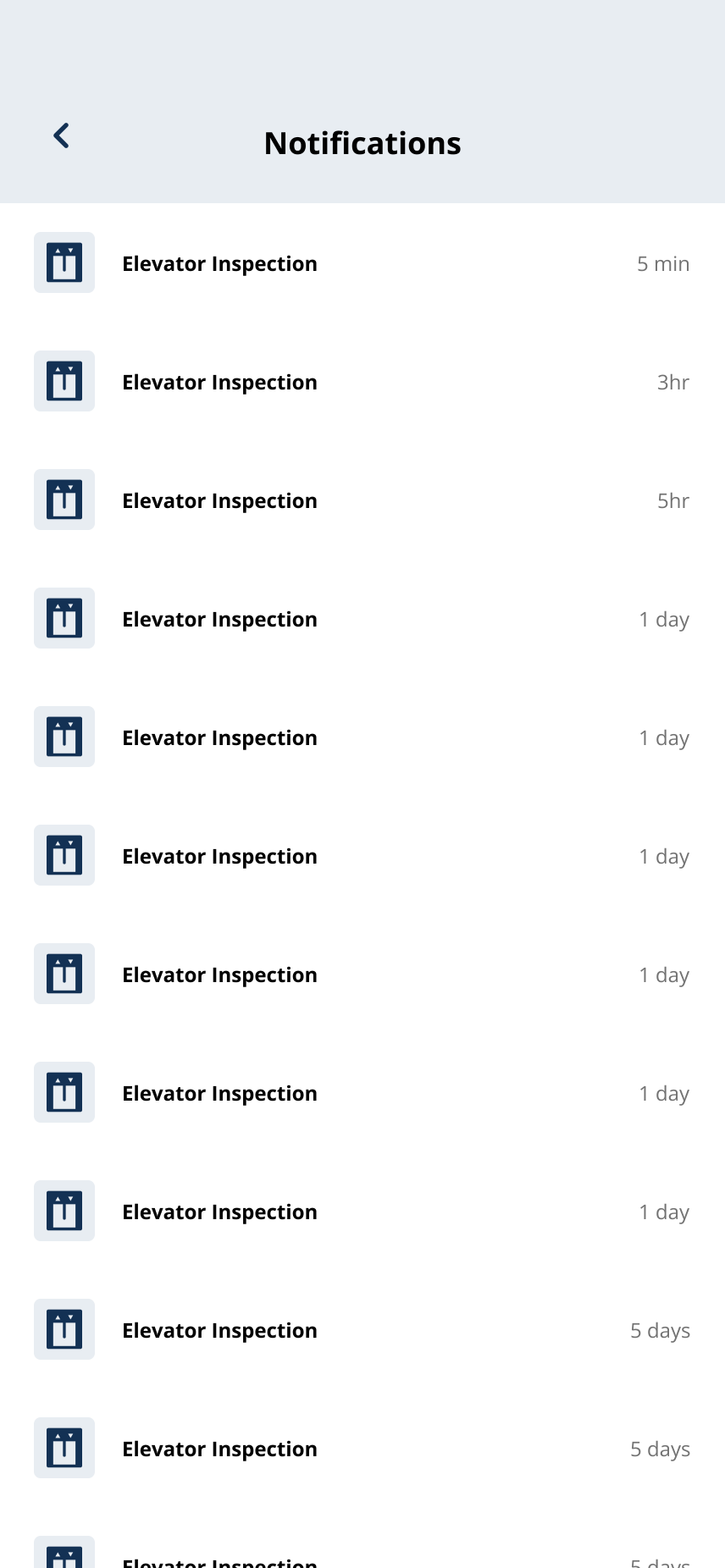
Review recent alerts and building notices from the Notifications list.
3Step 3: Tap the notice you want to read
- Tap any announcement to open the full message.
- Notices may include maintenance updates, amenity closures, parking notices, building reminders, and community information.
4Step 4: Review the announcement detail page
- Read the title, posted date, and full message on the detail page.
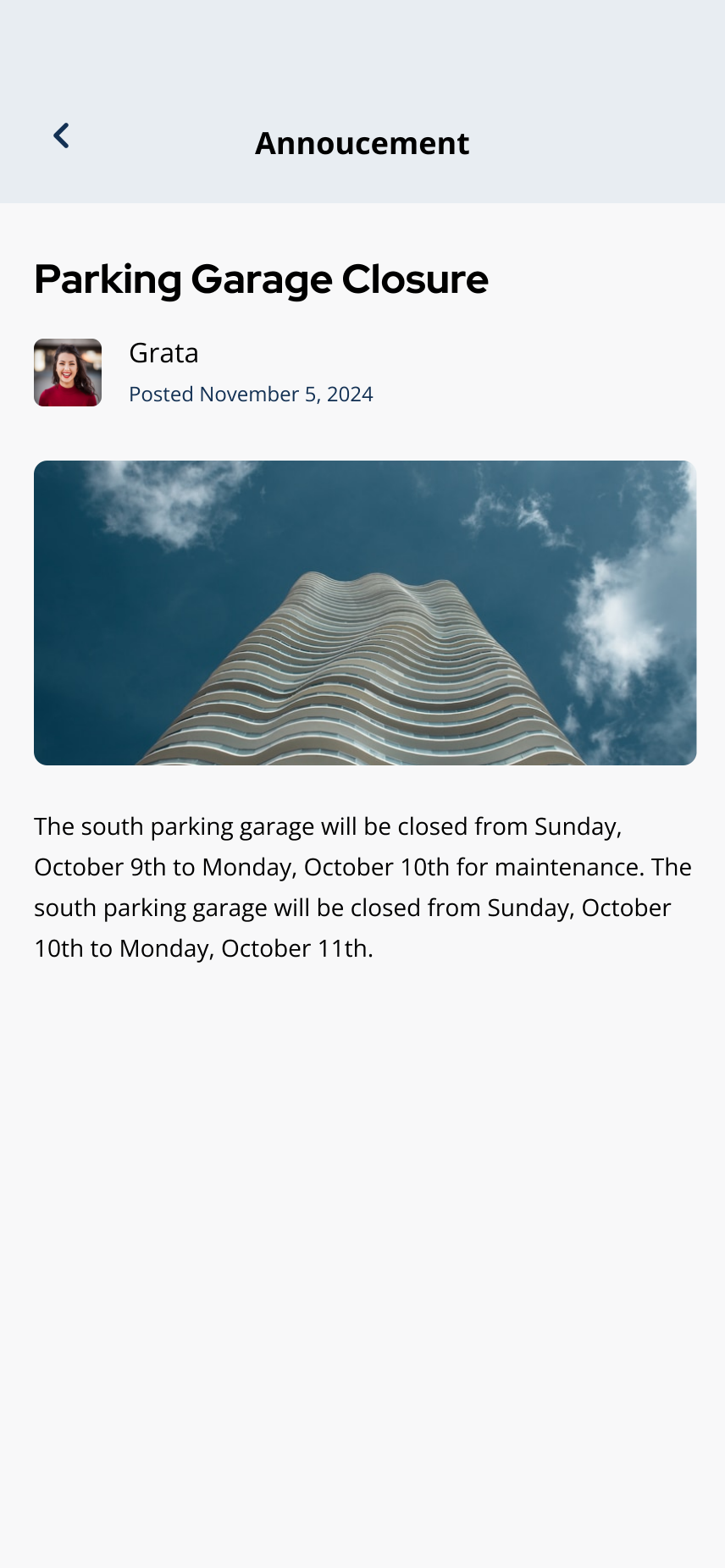
Open an announcement to read the full message, date, and details.
Related articles
Manage Notification Preferences
1 min read
Choose notification categories and turn text, push, or email alerts on or off from Profile > Notifications.
Notifications Overview
2 min read
Read alerts from the bell icon and manage push, email, and text preferences under Profile > Notifications.
I Am Not Receiving Notifications
1 min read
Notifications stopped coming through? Walk through your phone settings, Grata's notification preferences, and...
Building Notices & News Feed Overview
1 min read
Find building announcements in News or the mail icon—and troubleshoot when the feed looks empty.
View Notifications in the Grata App
1 min read
Tap the notification bell on the home screen to open and review your notifications list.
Open a Notification or Announcement Detail
1 min read
Tap a notification in the list to read the full detail page, then use the back arrow to return.