
What to Do If You Receive a Leak Alert
Section: Leak DetectionCategory: Leak DetectionHow-to1 min read
Summary
Leak alerts from supported sensors notify you through Grata Smart Living when your building has leak detection. Treat alerts seriously: confirm where the alert points, inspect safely, stop obvious water if you can do so without risk, and escalate using your building's emergency path when needed.
Use this article when you received a leak or water notification tied to your unit or building sensors and want to know what to check first in the app and at the location.
Step-by-Step Instructions
1Step 1: Start from the Grata Smart Living home screen
- Make sure you are signed in to the Grata app.
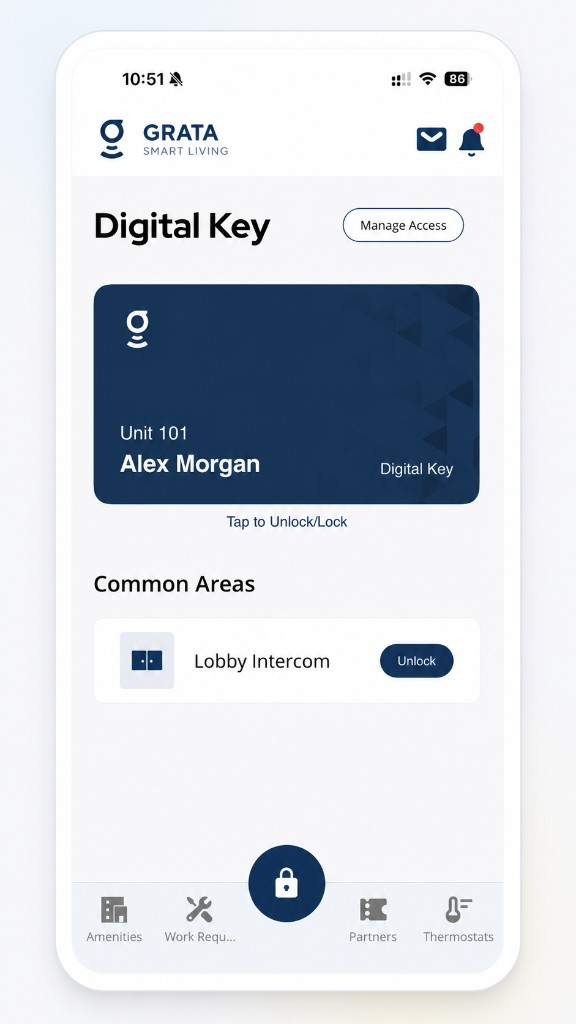
Start from the Grata Smart Living home screen.
2Step 2: Open the alert and read the details
- Tap the notification or inbox item and note the sensor name, area, and time shown.
3Step 3: Inspect safely at the location
- Look for dripping, pooling, or damp areas the alert describes. Do not enter unsafe spaces.
4Step 4: Take immediate safe actions you are allowed to take
- Shut off a reachable fixture valve if you know how and it is safe; otherwise wait for maintenance.
5Step 5: Report follow-up through Work Requests or your building's process
- Submit photos and details in Work Requests when available, or call the desk when your property requires it.
Important Notes
- Silencing an alert does not mean the leak is fixed.
Contact Your Building’s Support
- Alerts repeat for the same zone after you inspected.
- You cannot find the sensor or area named in the alert.
- You believe there is active flooding or electrical danger—use emergency instructions.
Related articles
Grata App Overview
1 min read
Orientation to the Grata Smart Living app—access, bookings, requests, notices, devices, and what your building...
Sign In to the Grata App
1 min read
Sign in to Grata Smart Living with the email on your building profile and your password or temporary password.
Contact Property Management or Support
1 min read
Reach your property management team or Grata support straight from the app — Rudy AI, Email Support, or your b...