
Sign In to the Grata App
Section: Welcome to Grata!Category: Getting StartedHow-to1 min read
Use this article when you need to sign in to the Grata app after it is installed.
If this is your first time, follow Receiving Your Welcome Email for the full welcome email and temporary password flow.
Step-by-Step Instructions
1Step 1: Open the Grata app
- Open the Grata app on your phone.
2Step 2: Enter your email and password
- Enter the email address your building has on file.
- Enter your password or temporary password.
- If prompted, change your temporary password.
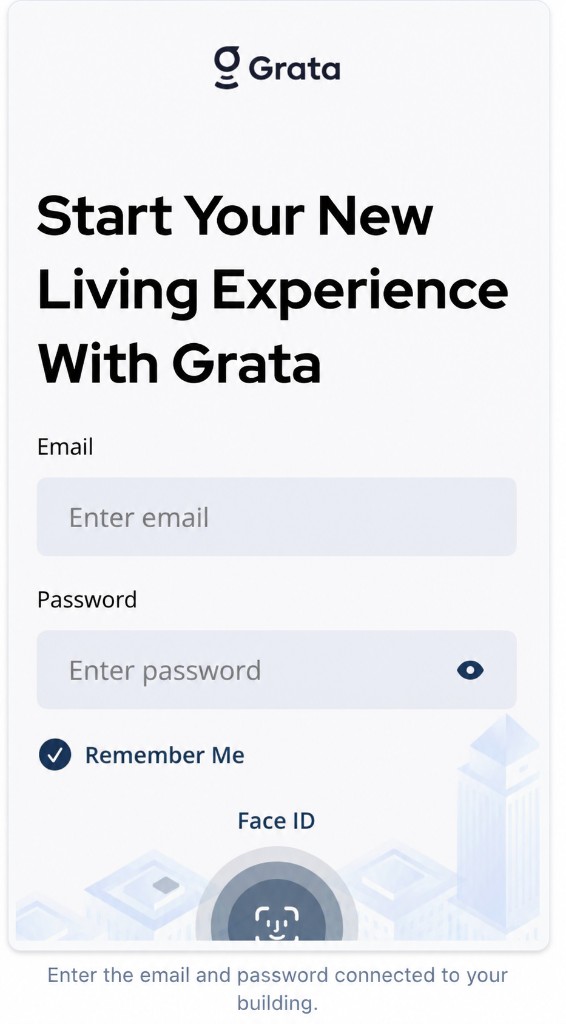
Enter the email and password connected to your building.
3Step 3: Confirm you can access the app
- After sign-in, check that your building information looks correct.
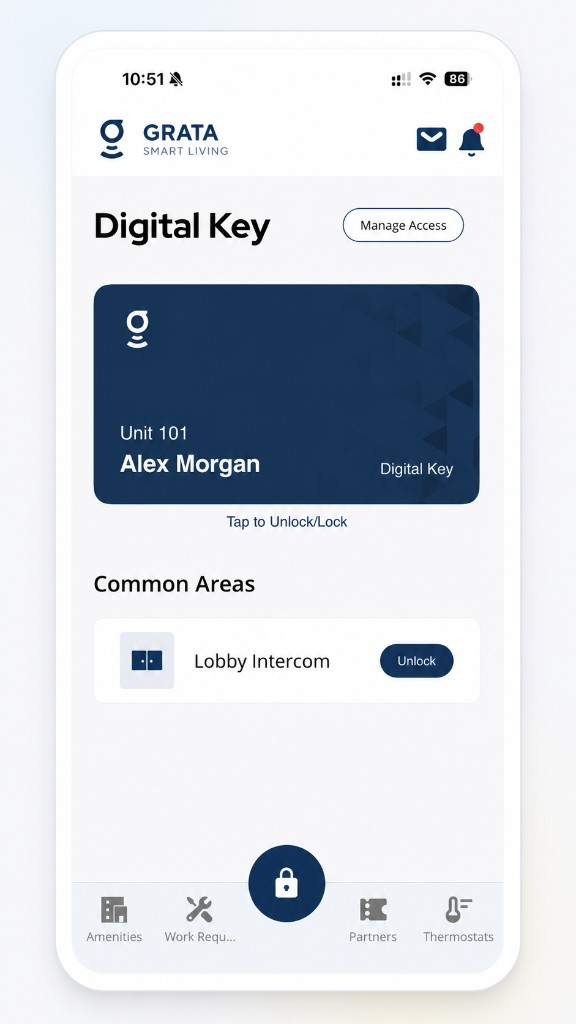
Confirm you can access the app from the home screen.
If sign-in fails
- Check that you are using the correct email address and password.
- Confirm you are in Grata Smart Living (white app), not the blue Grata app.
- If you forgot your password, tap Forgot Password? and follow Forgot my password.
Contact Your Building’s Support
- You still cannot sign in after checking your email and password.
Related articles
Download and Install the Grata App
1 min read
Install the white Grata Smart Living app from the App Store or Google Play, then continue to the [Sign In to t...
Forgot my password
1 min read
If you forgot your Grata Smart Living password, request a reset link from the login screen. Grata emails the l...
Receiving Your Welcome Email
1 min read
Your building sends a welcome email when your account is ready — find your login email and temporary password,...
I Did Not Receive My Welcome Email
2 min read
If your Grata invite never showed up or you still cannot finish setup, check spam and the email on file with y...