
Download and Install the Grata App
Section: Welcome to Grata!Category: Getting StartedHow-to1 min read
Summary
The Grata app is the resident app used to access Grata Smart Living features at your building. Depending on your building setup, you may use the app for doors and access, guest access, deliveries, in-suite devices, profile settings, and other resident features.
You can install the Grata app in two ways: by searching for it in the Apple App Store or Google Play Store, or by using the QR code in your Grata welcome email.
Step-by-Step Instructions
▸Option 1: Download from the App Store or Google Play Store
- Open the Apple App Store on i Phone or the Google Play Store on Android.
- Search for "Grata."
- Select the official Grata app.
- Tap Get, Install, or Download.
- Open the Grata app after installation.
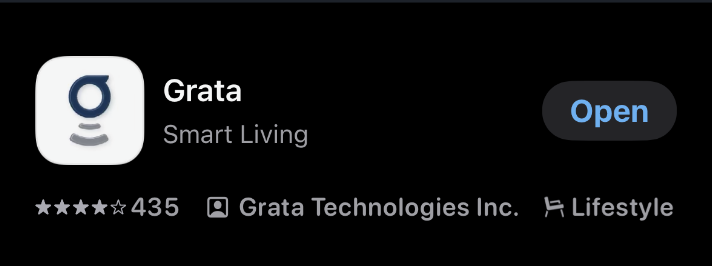
Use the official Grata app listing in your app store.
▸Option 2: Download from Your Welcome Email QR Code
- Open your Grata welcome email on your phone.
- Find the QR code or download link in the email.
- Scan the QR code with your phone camera, or tap the download link if available.
- Follow the link to the Apple App Store or Google Play Store.
- Download and install the Grata app.
- Open the Grata app after installation.
Related articles
Grata App Overview
1 min read
Orientation to the Grata Smart Living app—access, bookings, requests, notices, devices, and what your building...
First-Time Resident Setup
2 min read
Set up the Grata app for the first time: use your welcome invite, sign in, create your password, confirm your...
Sign In to the Grata App
1 min read
Sign in to Grata Smart Living with the email on your building profile and your password or temporary password.
I Did Not Receive My Welcome Email
2 min read
If your Grata invite never showed up or you still cannot finish setup, check spam and the email on file with y...