
Receiving Your Welcome Email
Summary
Step-by-Step Instructions
1Step 1: Find your welcome email
- Search your inbox for Welcome to Grata Smart Living.
- Check spam, junk, promotions, or filtered folders if you do not see it.
- The email may include your login email, a temporary password, QR code, app download links, or setup instructions.
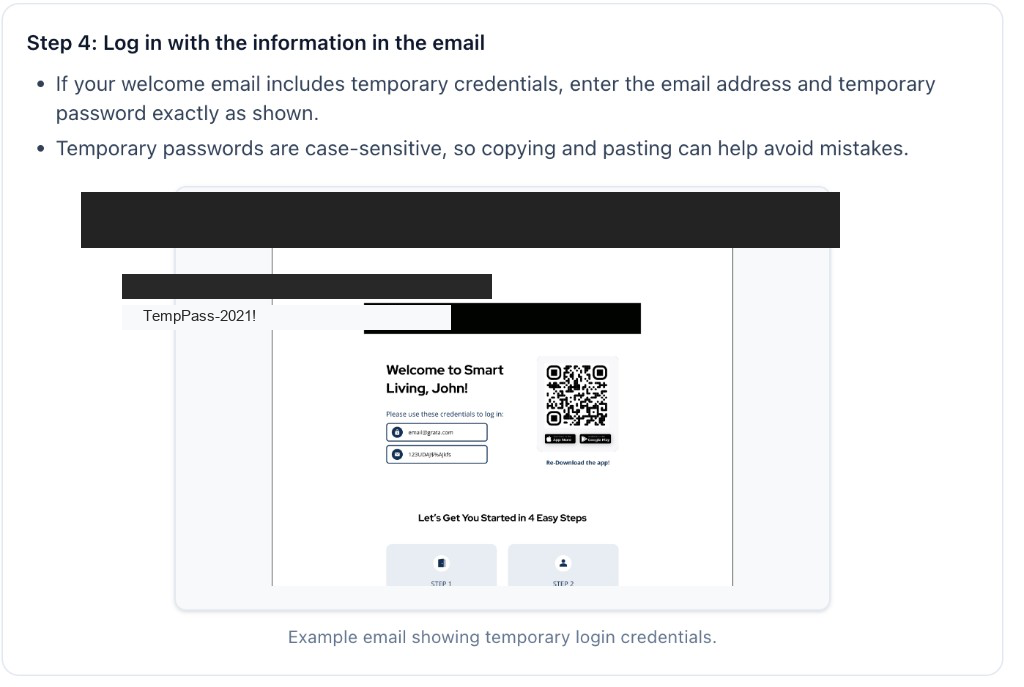
Expected result: You have located the welcome email and can see your temporary password or setup details.
If you never received a welcome email
- You never received a welcome email.
- You are not sure which email your building used.
Expected result
Related articles
Download and Install the Grata App
1 min read
Install the white Grata Smart Living app from the App Store or Google Play, then continue to the [Sign In to t...
First-Time Resident Setup
2 min read
Set up the Grata app for the first time: use your welcome invite, sign in, create your password, confirm your...
Sign In to the Grata App
1 min read
Sign in to Grata Smart Living with the email on your building profile and your password or temporary password.
I Did Not Receive My Welcome Email
2 min read
If your Grata invite never showed up or you still cannot finish setup, check spam and the email on file with y...
Move-In & First-Time Setup
1 min read
Start here for Grata move-in: what setup includes, the usual order, and which welcome, download, or sign-in ar...