
Log Out of the Grata App
Section: ProfileCategory: Account / SecurityHow-to1 min read
Summary
Log out of the Grata app from the menu opened by the top-left icon on the home screen.
Use this guide when you want to sign out of the app, switch accounts, use a shared device, or when support asked you to log out and sign back in.
Step-by-Step Instructions
1Step 1: Start from the Grata Smart Living home screen
- From the Grata Smart Living home screen, tap the top-left icon.
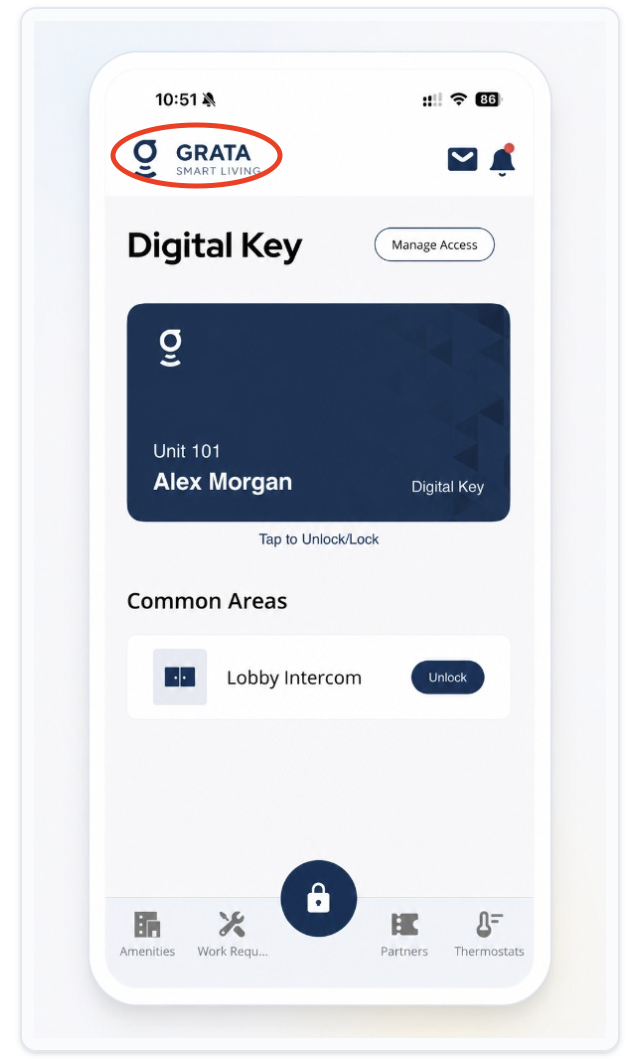
From the Grata Smart Living home screen, tap the top-left icon.
2Step 2: Log out from the Profile menu
- On the Profile screen, tap Log Out at the bottom.
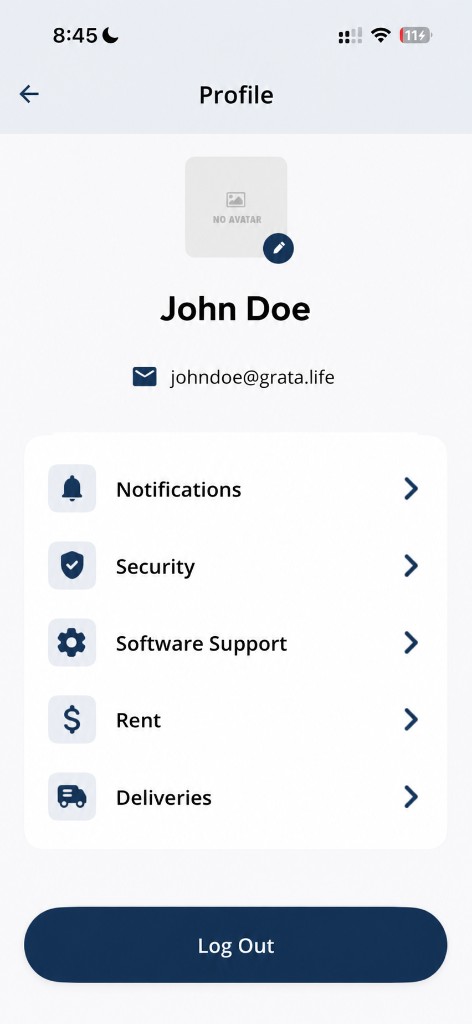
Tap Log Out at the bottom of the Profile screen.
3Step 3: Confirm if prompted
- If the app asks you to confirm, confirm that you want to log out.
- You should return to the sign-in screen.
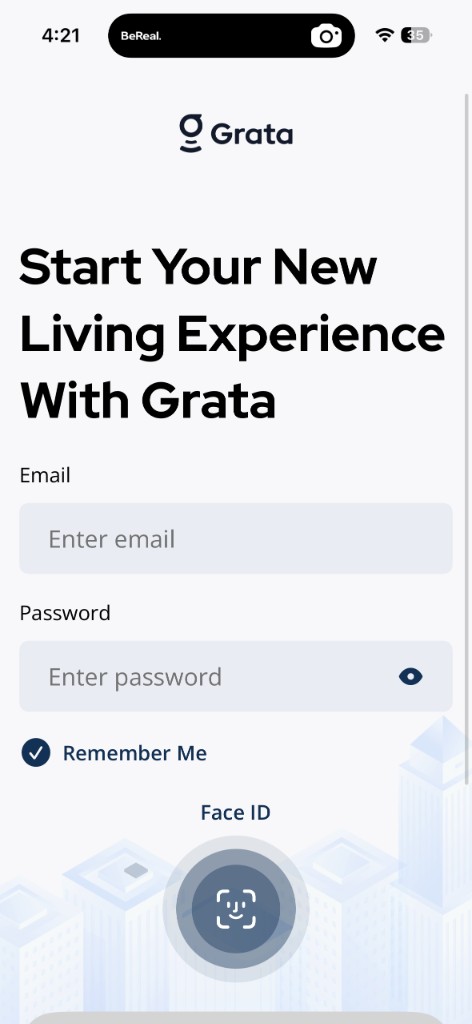
After logging out, you return to the Grata Smart Living sign-in screen.